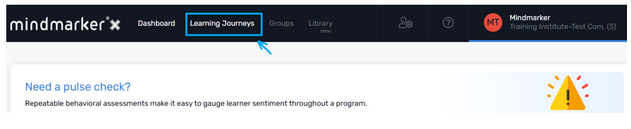
a. Navigate to the selected program.
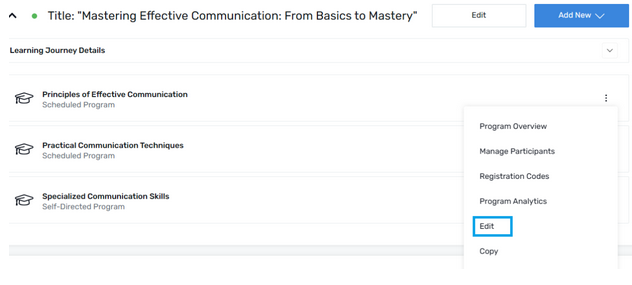
b. Select Edit from the (⋮) menu of the selected program.
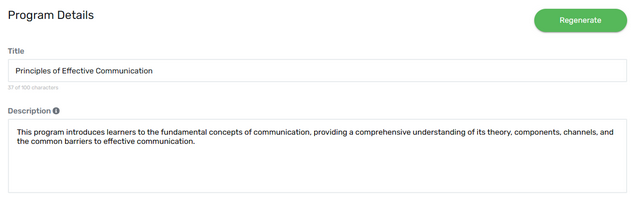
a. Edit Program Details for (i) Title and (ii) Description
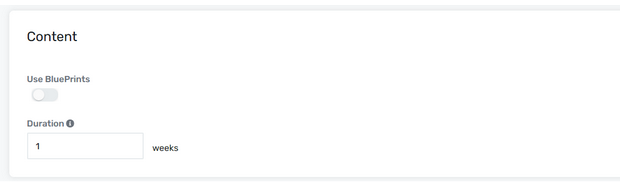
b. Edit Content for Blueprints
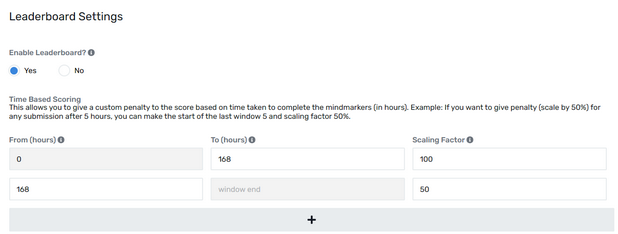
c. Edit Leaderboard settings
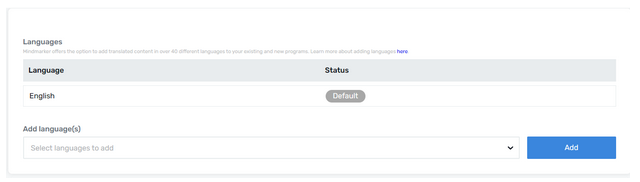
d. Edit languages
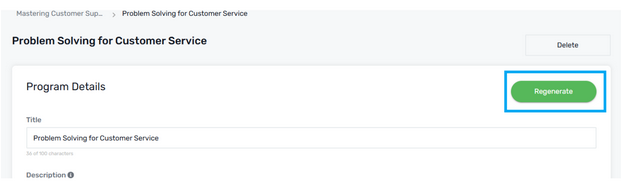
a. Click Regenerate once all the changes are made.
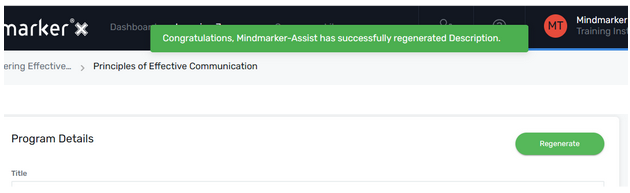
b. A pop-up message will appear confirming that the MM-Assist has successfully regenerated Descriptions.
a. Once you are satisfied with the changes you made, click Save.
b. A pop-up message will appear confirming that the Program was successfully updated.