Generic selectors
Exact matches only
Search in title
Search in content
Post Type Selectors

How to add custom branding to your learning journey.

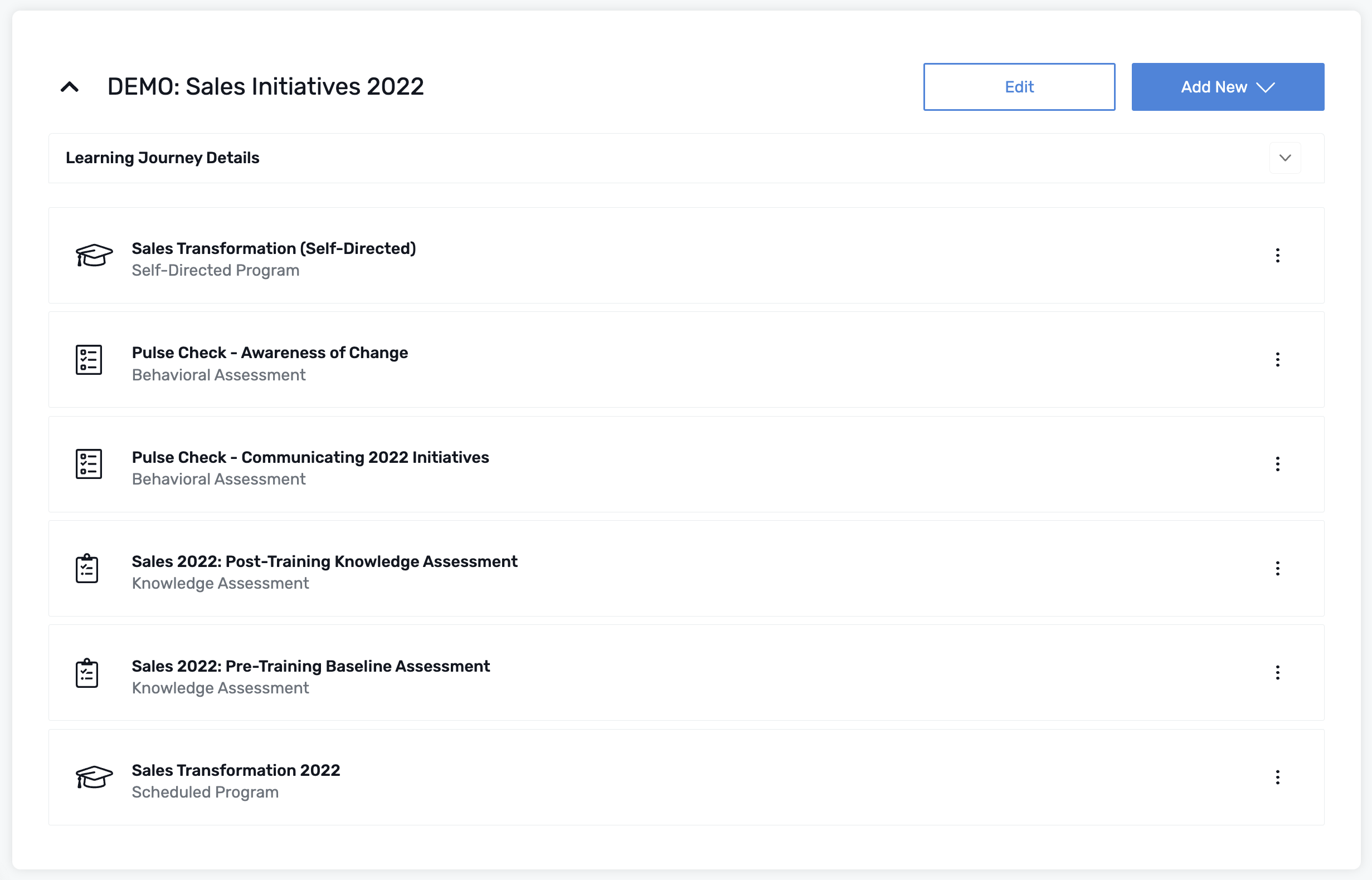
You have the ability to brand each Learning Journey with your unique branding elements.

To do this, simply:

  • Click Edit next to your Learning Journey title

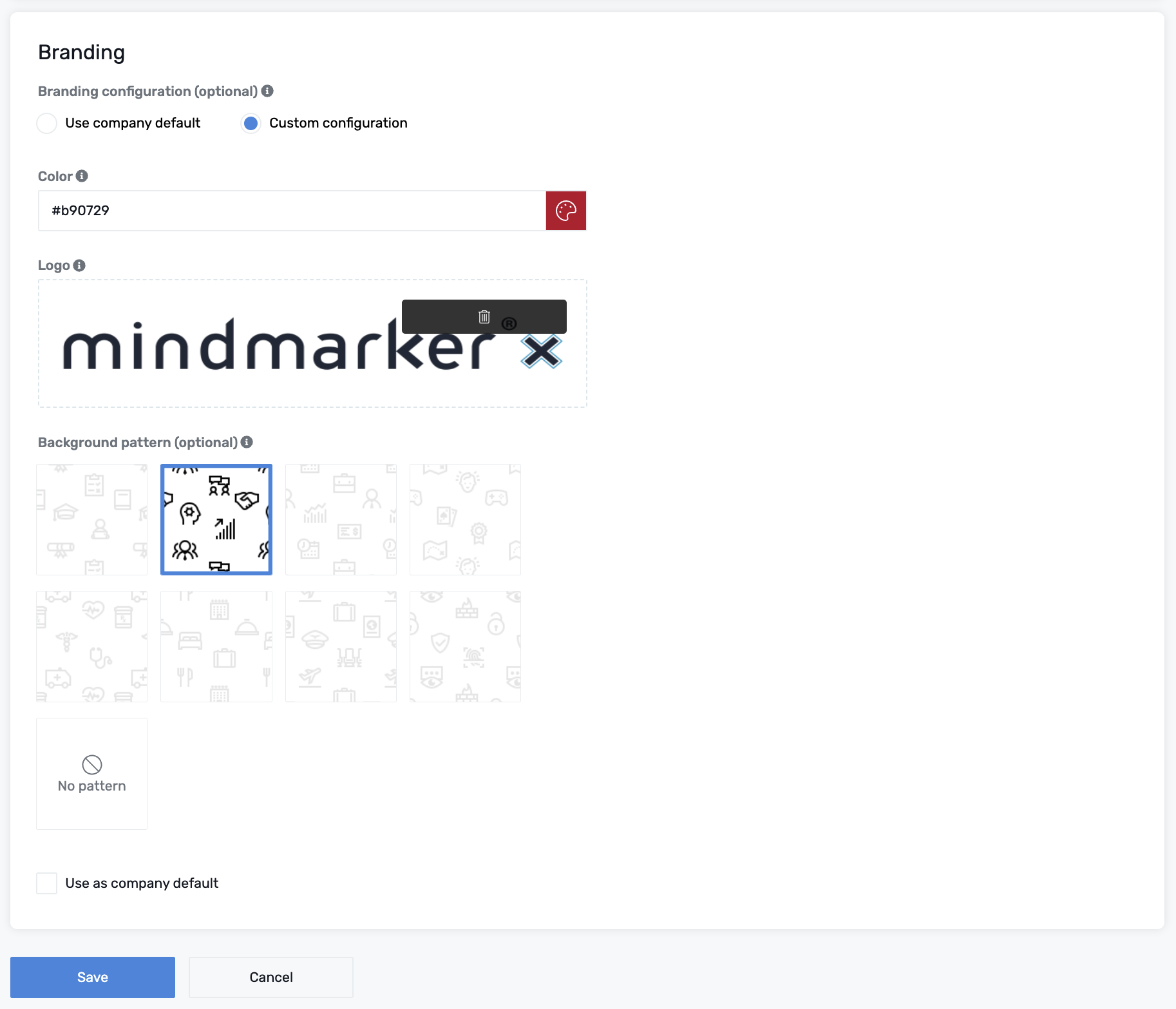
  • Under Branding you’ll find Use company default  or Custom configuration
  • Select Custom configuration to choose preferred:
    • Color (hex code option)
    • Logo File (specs link below)
    • Background pattern (optional)
  • If you’d like to use these options as your main configuration, select Use as company default
  • Click Save to set your branding changes

For logo file specs and information about media types, please see Supported Media File Types.

Let’s Talk Training Transformation

Schedule a Demo or Request a Consultation

*Required fields

Ready to scale your training business?

Book a demo and see the platform in action

Ready to turn your expertise into scalable revenue?

Be the first to know when Ready-to-Sell Training Programs launch. Join our newsletter for early updates, exclusive access, and new program releases.

See Mindmarker in Action

Alex - CEO & Co-Founder

Book a 15-minute demo with our CEO to explore how Mindmarker can transform your training business into a scalable revenue engine.

No pressure. Just a real conversation about your goals and growth opportunities.