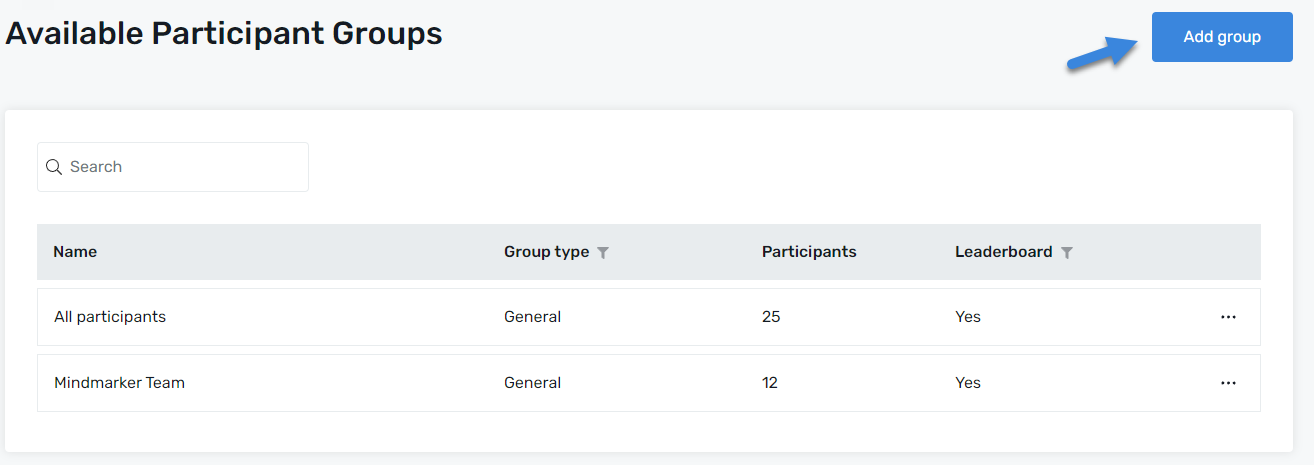
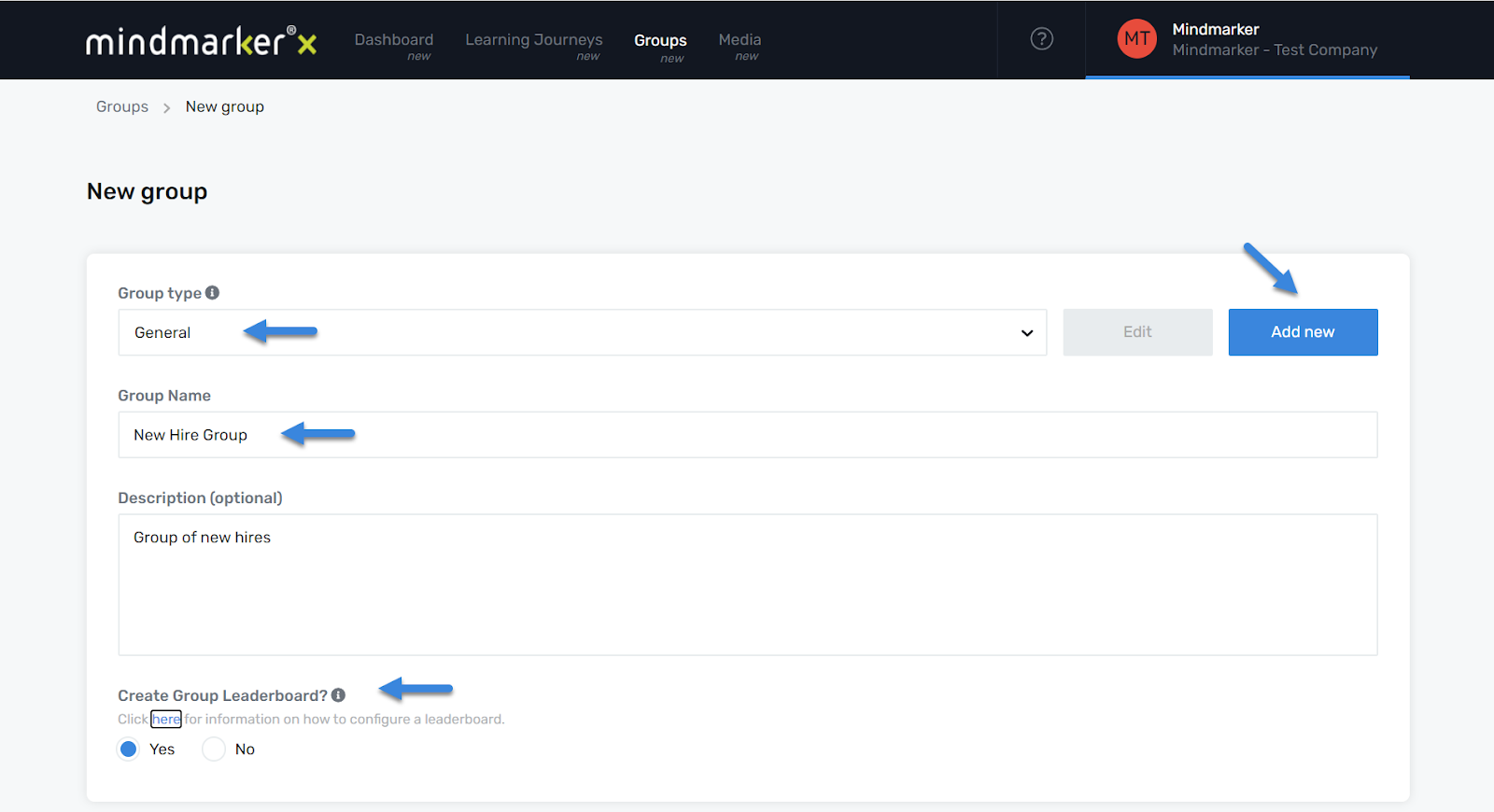
On the New Group screen, select a Group Type from the dropdown menu, or click Add New to create a group type(s). The most common group types are Function, Location, and Manager.
Add a Group Name (required). You can also add a short description of the program (optional).
If you want to activate a Leaderboard for this group and make it visible to all participants, select the appropriate radio button. The default option is set to Yes.
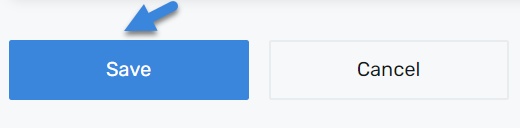
Click Save
Once all required fields are completed, click the Save button to create the new group.
A pop-up message will appear, confirming that the group was created.
We use cookies to ensure that we give you the best experience on our website. If you continue to use this site we will assume that you are happy with it.