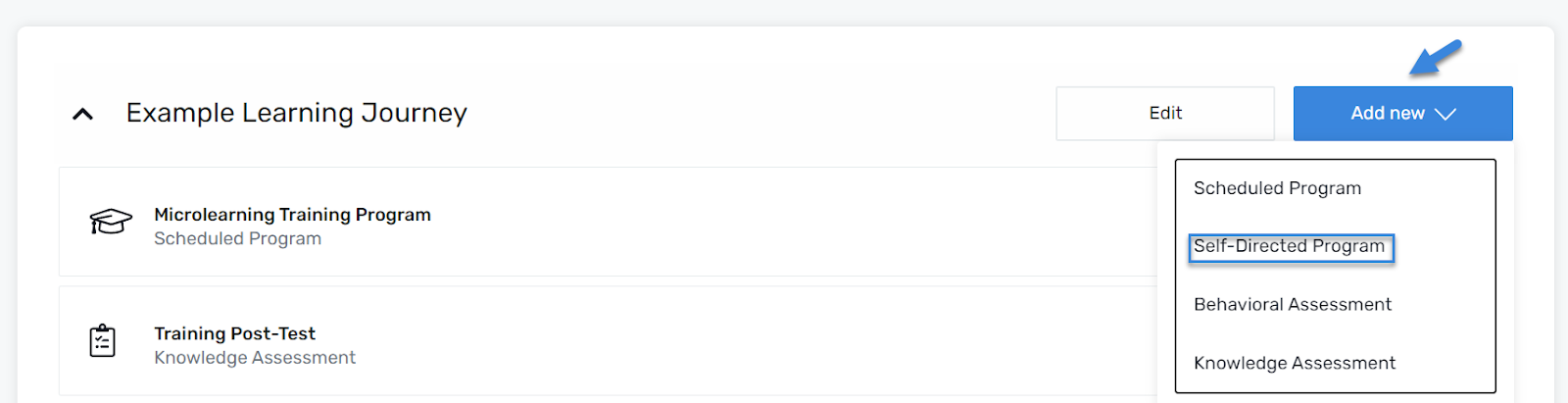
Navigate to the desired Learning Journey. Click the Add New button, located next to the Edit button. Select Self-Directed Program from the menu.
Add a Title
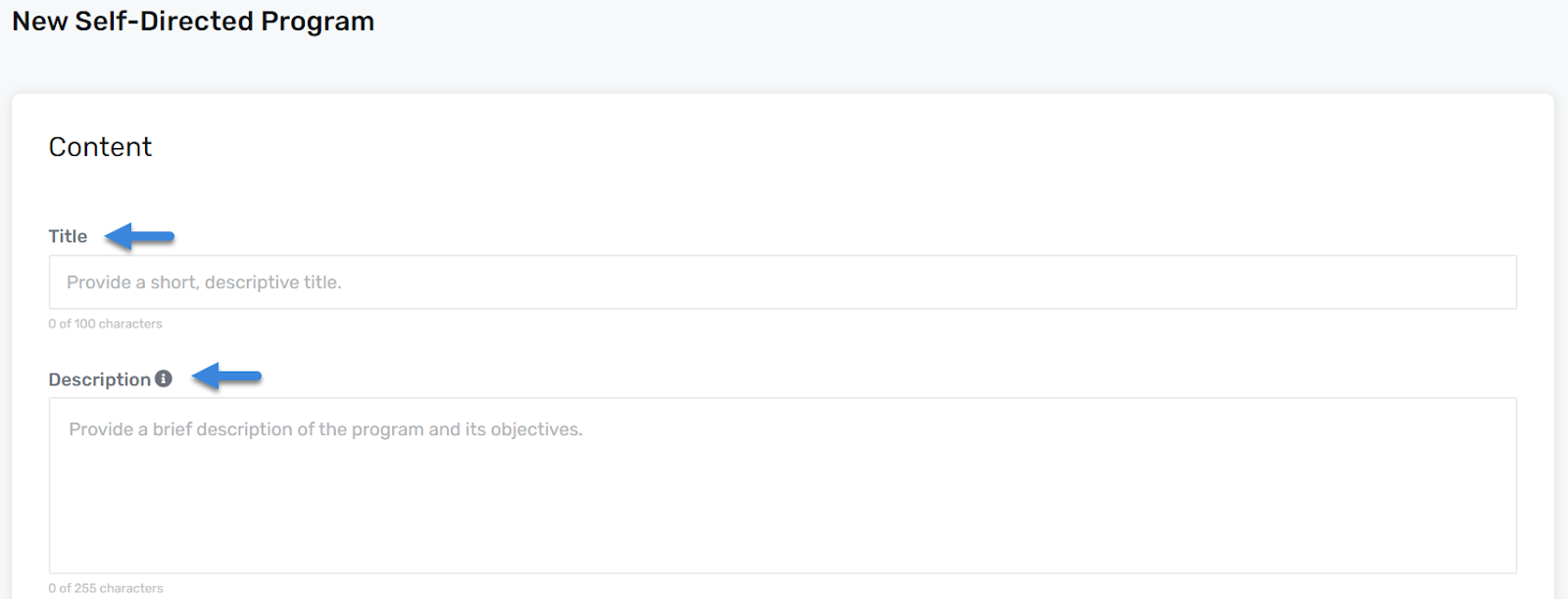
Under the Content section, enter a Title and short Description for the Behavioral Assessment (required).
Additional Settings (Leaderboard)
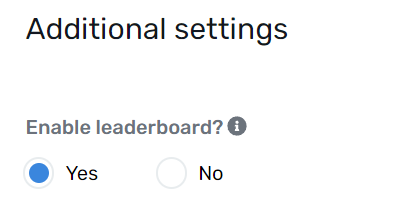
Under the Additional Settings section, view or update your Leaderboard settings.
Use the radio buttons to enable or disable the leaderboard. All programs default to Yes.
Note: For a Leaderboard to be activated and visible to the learners, you must create a group(s) via the Groups module. See Creating a Group for details.
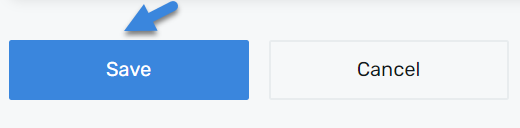
Click Save
Once all required fields are completed, click the Save button to apply the changes and add the Learning Journey.
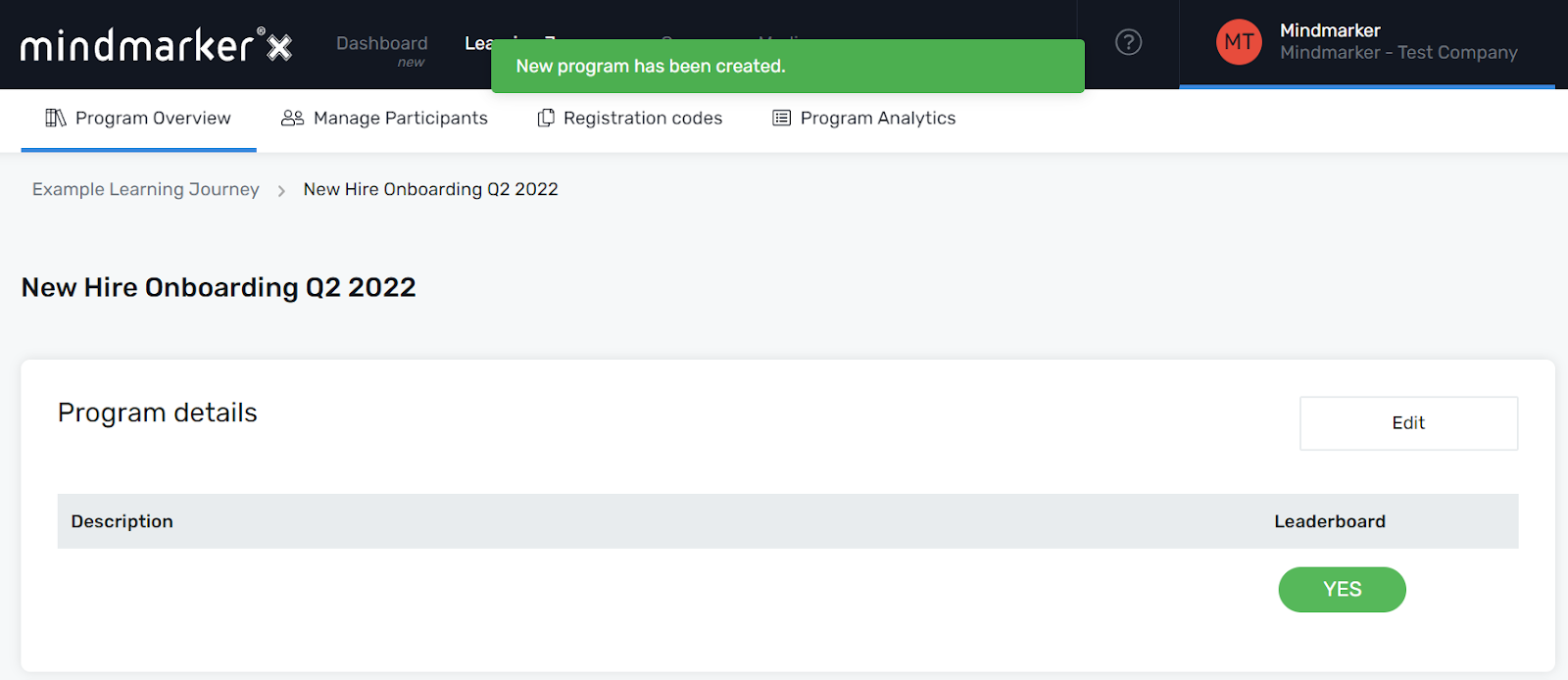
A pop-up message will appear, confirming the creation of the new program.
We use cookies to ensure that we give you the best experience on our website. If you continue to use this site we will assume that you are happy with it.